---
title: "How Arcade helps with Agent Authorization"
description: "Learn how Arcade helps with auth and tool calling"
---
import { Tabs } from "nextra/components";
# About Arcade
Applications that use models to perform tasks (_agentic applications_) commonly require access to sensitive data and services. Authentication complexities often hinder AI from performing tasks that require user-specific information, like what emails were recently received or what's coming up on a calendar.
To retrieve this information, agentic applications need to be able to authenticate and authorize access to external services like Gmail or Google Calendar.
Authenticating to retrieve information, however, is not the only challenge. Agentic applications also need to authenticate to **act** on behalf of users - like sending an email or updating a calendar.
Without auth, AI agents are severely limited in what they can do.
## How Arcade solves this
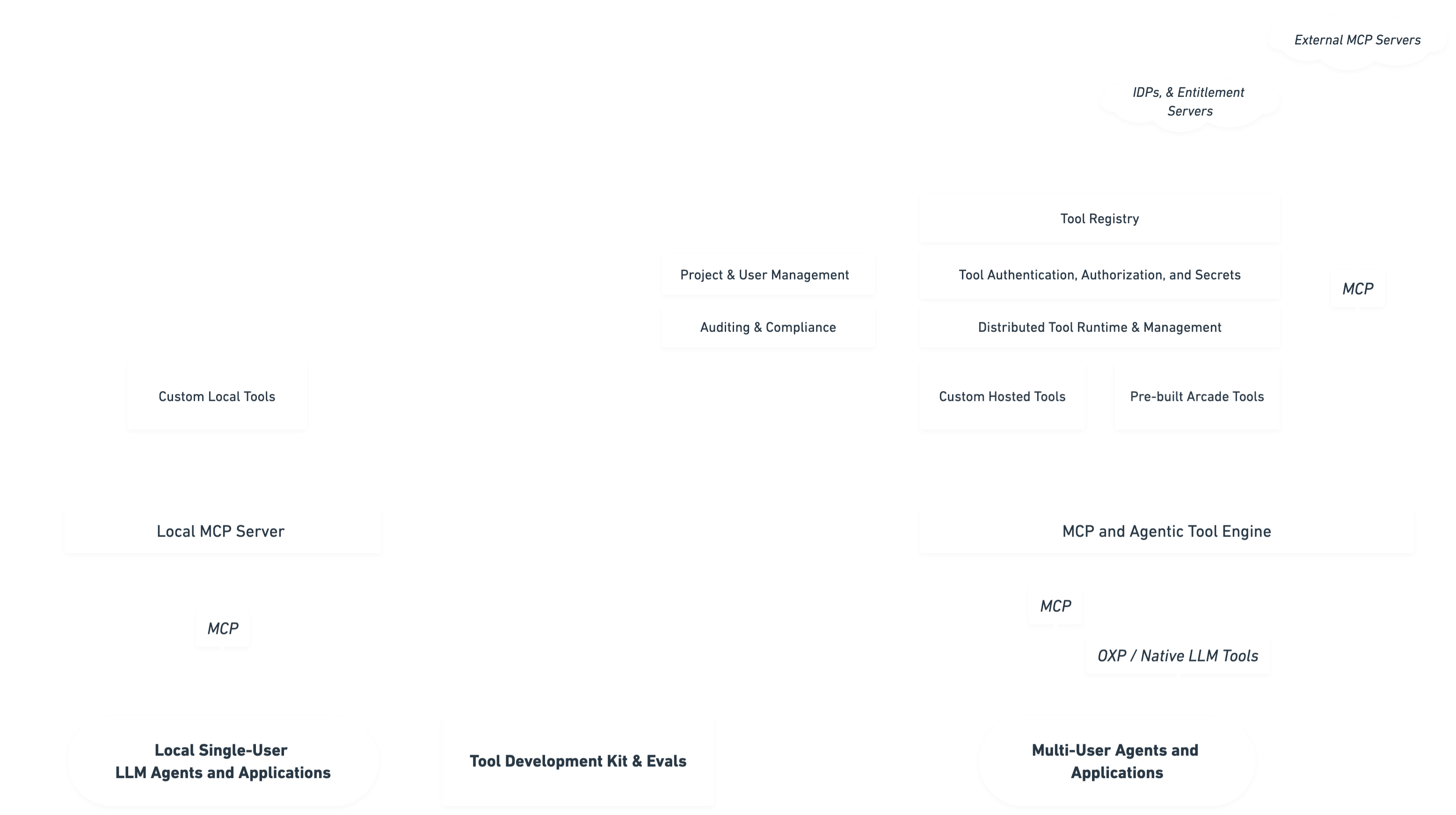
Arcade provides an authorization system that handles OAuth 2.0, API keys, and user tokens needed by AI agents to access external services through tools. This means AI agents can now act on behalf of users securely and privately.
With Arcade, developers can now create agents that can _act as the end users of their application_ to perform tasks like:
- Creating a new Zoom meeting
- Sending or reading email
- Answering questions about files in Google Drive.
## Auth permissions and scopes
Each tool in Arcade's MCP servers has a set of required permissions - or, more commonly referred to in OAuth 2.0, **scopes**. For example, the [`Gmail.SendEmail`](/resources/integrations/productivity/gmail#gmailsendemail) tool requires the [`https://www.googleapis.com/auth/gmail.send`](https://developers.google.com/identity/protocols/oauth2/scopes#gmail) scope.
A scope is what the user has authorized someone else (in this case, the AI agent) to do on their behalf. In any OAuth 2.0-compatible service, each kind of action requires a different set of permissions. This gives the user fine-grained control over what data third-party services can access and what actions they can take in their accounts.
When an agent calls a tool, if the user has not granted the required permissions, Arcade Engine will automatically prompt the user to authorize the tool and coordinate the OAuth 2.0 flow with the service provider.
## How to implement OAuth 2.0-authorized tool calling
To learn how Arcade authorizes actions (tools) through OAuth 2.0 and how to implement auth flow, check out [Authorized Tool Calling](/guides/tool-calling/custom-apps/auth-tool-calling).
## Tools that don't require authorization
Some tools, like [`GoogleSearch.Search`](/resources/integrations/search/google_search#googlesearchsearch), allow AI agents to retrieve information or perform actions without needing user-specific authorization.
```python
from arcadepy import Arcade
client = Arcade(api_key="arcade_api_key") # or set the ARCADE_API_KEY env var
# Use the GoogleSearch.Searchtool to perform a web search
response = await client.tools.execute(
tool_name="GoogleSearch.Search",
input={"query": "Latest AI advancements"},
)
print(response.output.value)
```
```javascript
import { Arcade } from "@arcadeai/arcadejs";
const client = new Arcade(); // Automatically finds the ARCADE_API_KEY env variable
// Use the GoogleSearch.Search tool to perform a web search
const response = await client.tools.execute({
tool_name: "GoogleSearch.Search",
input: { query: "Latest AI advancements" },
});
console.log(response.output.value);
```